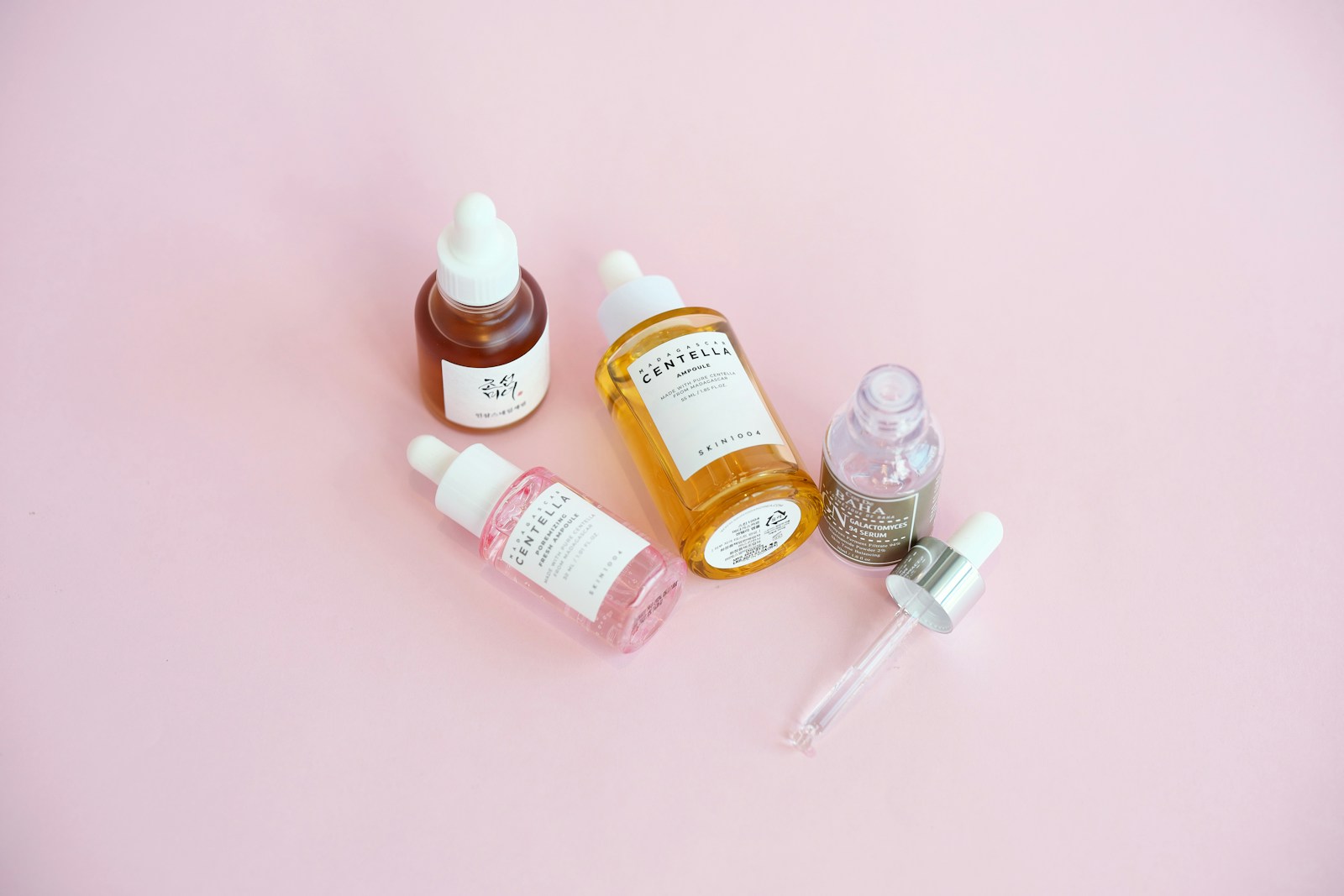
Skincare product photography in the UAE should help a customer recognise the item and understand what is different about it: the container, formula appearance, size, and variant. A useful image set is not simply a collection of attractive close-ups. It is a small visual system that starts with a clear, accurate product view, adds details that answer real questions, and keeps each SKU recognisable across a brand site, marketplace, retailer page, and campaign.
For a skincare brand or retail team, the brief should be built around product truth before styling. That means confirming which version is being photographed, what the package actually looks like, and which visual details are important to a buyer. The result can still feel polished and distinctive; polish works best when it makes the real product easier to see rather than making it look like a different one.
Begin with a product and packaging map
Before the shoot, create a simple list of every item and variant in scope. Record the product name, size, packaging format, cap or pump, label version, finish, and any colour or formula differences that need their own image. If a range contains several similar bottles, this map prevents a label, lid, or size from drifting between setups. It also gives the photographer and the approver a shared reference for selection and retouching.
Use the final production sample wherever possible. A concept render or early packaging sample may differ from the item that will be sold. When the final sample is not available, identify that limitation in the brief and avoid presenting the photograph as a precise record of finished packaging. Keep a product owner available to confirm which details must remain visible and which variants should never be grouped together.
Build the image set from a clear hero view
The first frame should make the product easy to identify at a glance. A front or three-quarter view can show the silhouette, label hierarchy, closure, and overall proportions. Keep the product comfortably inside the frame so that different page layouts can crop it without cutting off a pump, cap, or important edge. A neutral background is useful when clarity is the priority; a more expressive surface can be reserved for supporting imagery.
A consistent camera height, product orientation, and framing across a range helps shoppers compare items without mentally correcting for a different presentation in every image. This does not mean every photograph must be identical. It means the primary view should perform the same job from product to product, while supporting frames provide variety.
Plan image roles before adding props. A practical sequence is a clean primary view, a three-quarter angle, a packaging or label detail, a closure or dispenser detail, and a contextual frame that shows scale or use. For a broader e-commerce shot-list approach, see Product Photography for UAE E-Commerce: A Shot List That Helps Customers Buy.
Show texture without implying more than the image can prove
Texture is often part of how a skincare product is described, but a photograph should depict the actual sample rather than an idealised substitute. If a cream, gel, oil, or serum is shown outside its package, capture a real, controlled sample and keep the quantity and surface believable. A macro frame can reveal sheen, translucency, or consistency; it should not imply a performance result, ingredient benefit, or skin outcome that the image itself cannot establish.
Choose close-ups with a purpose. A useful detail might clarify whether a jar is glass or plastic, how a pump is finished, where a label sits, or how a cap opens. A detail that merely magnifies glare, dust, or a decorative prop may not help a buyer. Ask what question the frame answers, then decide whether it belongs in the product gallery or in a separate campaign image.
Keep variants unmistakably distinct
When a range includes different sizes, scents, shades, formulas, or package designs, assign each image to the correct product record and confirm the connection before publishing. Similar containers make small differences easy to miss. A variant should not borrow the image of its neighbour merely because the bottles look alike on a monitor. Photograph meaningful differences directly and keep the naming and file handoff aligned with the product list.
This is also a channel-management issue. Shopify documents that variant images and the broader product gallery serve different roles, while Google Merchant Center separates a primary image from additional images. Those platform examples are useful reminders to map the image set deliberately, but each selling channel has its own current specifications. Review the Google Merchant Center image-link guidance and Shopify's variant-image instructions before final exports if those channels are in scope.
Retouch for polish, not product alteration
A restrained finishing pass can remove temporary distractions and make the set feel coherent. The approved product should remain the reference: do not reshape the container, rewrite or erase label details, change the apparent shade, exaggerate the quantity of formula, or make packaging look more reflective, opaque, or premium than it is. If a mark is part of the actual packaging, do not silently remove it. If a label changes after the shoot, identify which frames need to be updated rather than patching one image in a way that no longer represents the sold item.
Agree on retouching boundaries before work begins. The product owner can identify must-keep wording, colour references, and details that need an accuracy check. A contact sheet or first-pass selection can reveal consistency issues across the range before the full set is finished. This is especially useful when several people will approve the imagery from different teams or locations.
Plan crops and exports for the real destinations
A product gallery, marketplace tile, social post, and email banner rarely use the same crop. List the destinations before photography so the set can leave enough room for square, portrait, and landscape adaptations where required. Shopify notes that consistent aspect ratios help product images line up on collection pages; that is a practical layout consideration, not a rule for every channel. Check the latest platform guidance instead of relying on a single export preset.
Keep a clean master and make channel exports from it. Use filenames that connect the image to the product and variant, separate primary views from supporting details, and make the final approved files easy to distinguish from working versions. A clear handoff should tell the publishing team which image is the lead, which files are optional gallery views, and which crop is designed for a specific campaign placement.
A practical skincare photography brief
List every product, size, formula, and package version that will appear.
Provide final samples or flag any packaging that is still provisional.
Name the customer question each planned frame should answer.
Mark label text, closures, colours, and other details that must remain accurate.
Specify primary views, texture details, scale references, and any approved context frames.
Identify the product owner who will check variant-to-image matching.
List destinations and required crops, then confirm current channel specifications.
Agree what retouching may improve and what it must not change.
This brief keeps creative choices connected to usefulness: the image can have atmosphere, but the product remains clear; the close-up can be beautiful, but it still shows the real sample; and every variant can feel part of one family without losing its identity. For teams commissioning stills alongside film, EquiFilms works across film and photography.
Explore the EquiFilms film and photography service and share the range, intended channels, sample availability, and visual priorities when starting a conversation.
Authoritative platform guidance
Google Merchant Center: image link and additional image guidance