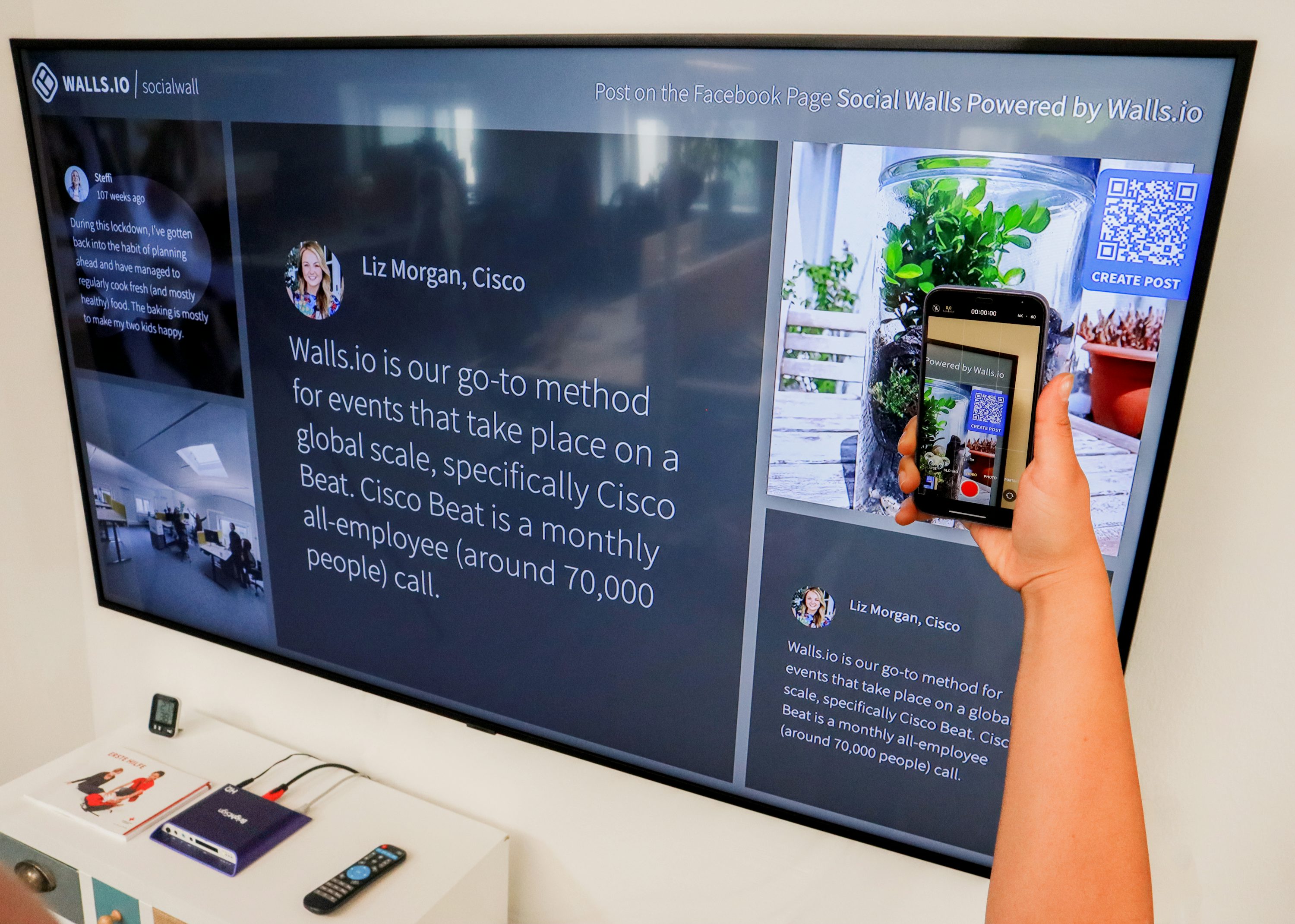
QR codes are now routine at business events: they can point to registration pages, agendas, product information, exhibitor profiles or payment services. That convenience also creates a simple security question: does the code still lead where the organiser or business intended? A code can be replaced or covered by a convincing sticker, sending a visitor to a page designed to collect information or mislead them.
Dubai Police warned in April 2026 against scanning unknown or unverified QR codes, noting the risk of cyber fraud and theft of personal or financial data. Dubai Electronic Security Center (DESC) guidance for public-facing businesses in Dubai also specifically includes events and exhibitions. The practical lesson for UAE event teams is to treat QR codes as part of attendee risk awareness: verify what is displayed, make a safe alternative available, and give staff a clear way to respond. This is general awareness guidance, not a technical cybersecurity standard or legal advice.
Why QR codes deserve a place in an event risk brief
An event brings temporary signage, contractors, multiple exhibitors and changing information together in a crowded setting. People may scan a code quickly because it appears beside a familiar logo, on a registration desk or near a service they need. If a code has been swapped, its visual placement can borrow trust from the venue or brand around it.
A fake QR code may open a look-alike sign-in page, request personal or payment details, or lead to harmful downloads. DESC’s public guidance describes replacement and overlay risks, including codes pasted over legitimate ones. That does not mean every unfamiliar code is malicious; it means that a code should be treated as a link whose source and destination deserve ordinary verification.
What Dubai guidance says—and what it does not say
DESC’s QR recommendations are written for customer-facing businesses in Dubai, and explicitly include events and exhibitions. They advise businesses to integrate official codes into original printed materials rather than attach them as separate stickers, pair them with the business name or logo, use trusted official destinations, avoid shortened or third-party links, and check displayed codes for unauthorised overlays. The booklet also suggests that visitors who suspect a public code should not scan it, ask staff for confirmation or a direct alternative, and report suspicious placement to the responsible authority.
These recommendations are useful for an event checklist, but they should not be presented as a single UAE-wide venue rule. Dubai-specific public-facing guidance, organiser terms, venue policies and the applicable requirements in other emirates may differ. Event organisers and exhibitors should confirm the current instructions for the event and location they are attending. A code leading to an HTTPS page is not, by itself, proof that the site is genuine; users should also check the domain and whether the destination matches the stated purpose.
A practical visitor checklist
Pause before scanning a code that is unexpected, newly placed, or not clearly linked to a named organisation.
Look for signs of an overlay: lifted edges, mismatched paper, duplicate layers, unusual sizing, or a code that covers existing print.
Confirm the source with the event organiser, exhibitor or venue staff using a known contact point—not contact details shown only on the questionable code.
After scanning, read the destination address before entering information; check the domain for misspellings or an unrelated shortened link.
Do not enter passwords, payment details, one-time passcodes or sensitive business information just because a QR-linked page asks.
If unsure, request the printed information, a direct web address from an official source, or assistance from event staff.
How organisers and exhibitors can reduce ambiguity
The organisation that owns a code should own its verification. Keep the approved destination and artwork with the person responsible for the sign, stand or registration flow. When material is printed or installed, check that the code scans to the intended page and that the displayed domain is legible. If the event uses an external registration or payment provider, explain that relationship in plain language so visitors know what destination to expect.
Build a routine visual check into normal event operations: verify public-facing codes before doors open and when signs or materials are replaced. Keep official QR codes embedded in the original menu, poster, badge or information card rather than relying on loose stickers. Train front-of-house and exhibitor teams to recognise a questionable code, pause its use, and refer it to the named organiser contact. DESC’s Dubai guidance also encourages staff training and reporting suspicious codes.
Offer a non-QR route for essential information. A visitor should be able to ask a staff member, read a printed summary or type a clearly stated official address without being pressured to scan. This is helpful for security and accessibility alike: it reduces the need to act hurriedly and supports people whose device, connectivity or comfort level makes scanning inconvenient.
If someone has already scanned a suspicious code
If the page has opened but no information has been submitted, close it and avoid downloading anything or following additional prompts. If a person entered credentials, payment data or a verification code, they should contact the relevant organisation or financial provider through a trusted channel, follow their established account-protection process, and report the incident through the appropriate official route. For Dubai’s public-facing QR guidance, DESC points to the UAE eCrime platform for reporting fraudulent codes. Organisations should also notify the event organiser and their own IT or incident-response contact so that the code can be checked and, where appropriate, removed.
Keep the response factual and proportionate. Do not circulate an unverified screenshot as if it proves who placed the code. Share the location, time and what happened with the responsible organiser or authority, and let the appropriate technical team inspect the destination. Physical security staff can support venue coordination and safe access; technical investigation belongs with the organisation’s IT or cybersecurity professionals.
Keep responsibilities clear
QR-code safety sits at the boundary of venue operations, customer communication and cyber hygiene. The event organiser controls the shared environment and its own signs; each exhibitor remains responsible for the codes and materials it places; the organisation’s IT team should review websites, forms and data handling. Agree who verifies new codes, who can take a suspicious item out of circulation, and who communicates an update to visitors. The details should be useful internally without exposing sensitive security arrangements publicly.
For broader executive, venue or event-security planning, EquiSecure focuses on security and operational resilience. Learn about [EquiSecure](https://www.equigroup.ae/equi-secure) or [contact EquiGroup](https://www.equigroup.ae/contact) to discuss a requirement; any engagement scope is confirmed case by case and remains subject to applicable UAE licensing and regulatory requirements.
Authoritative sources
Dubai Police: warning against scanning unknown QR codes (18 April 2026)
Dubai Electronic Security Center: Cyber Awareness Hub and QR Code Safety Booklet